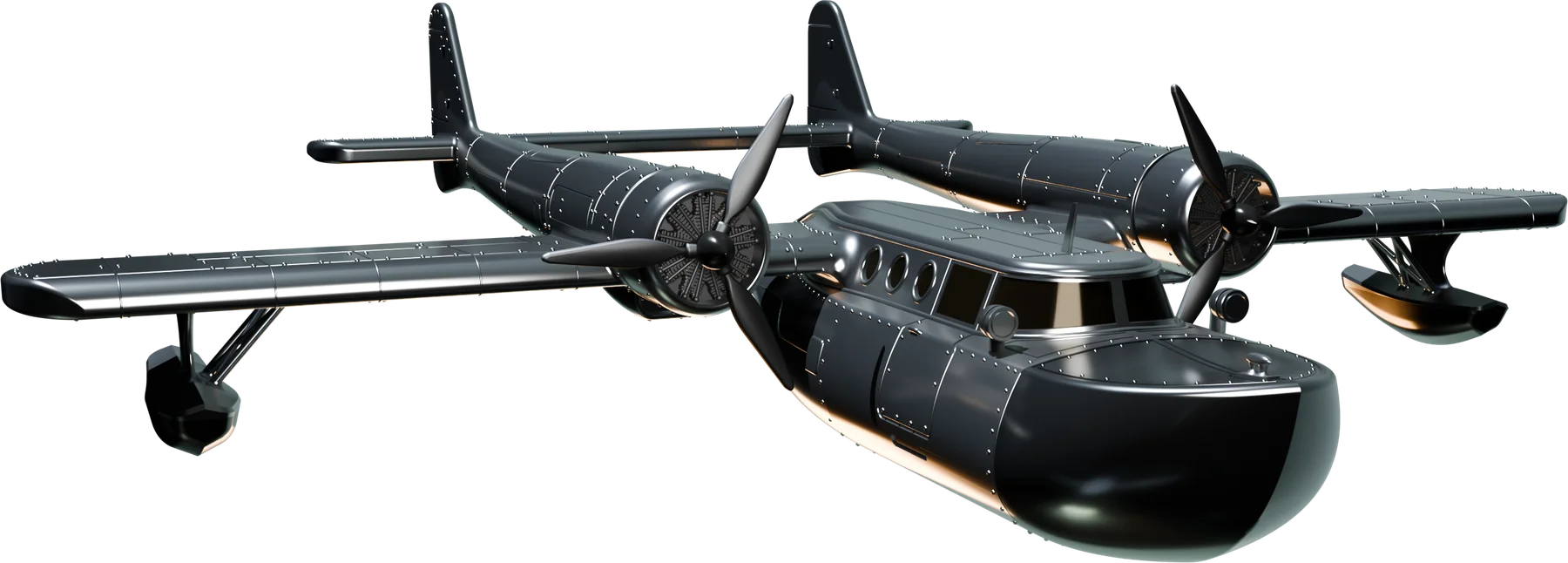
 GRAFITOMI
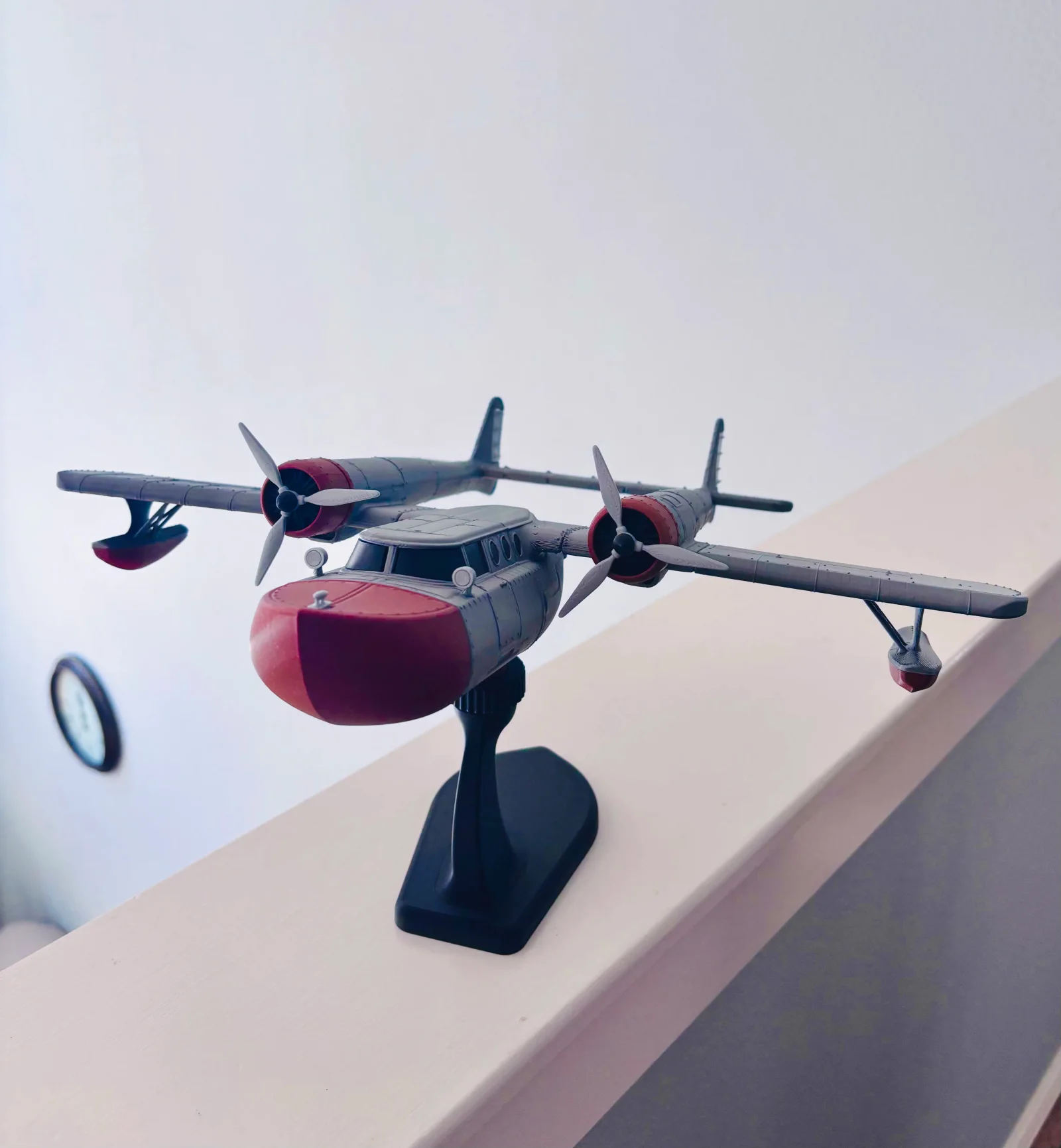
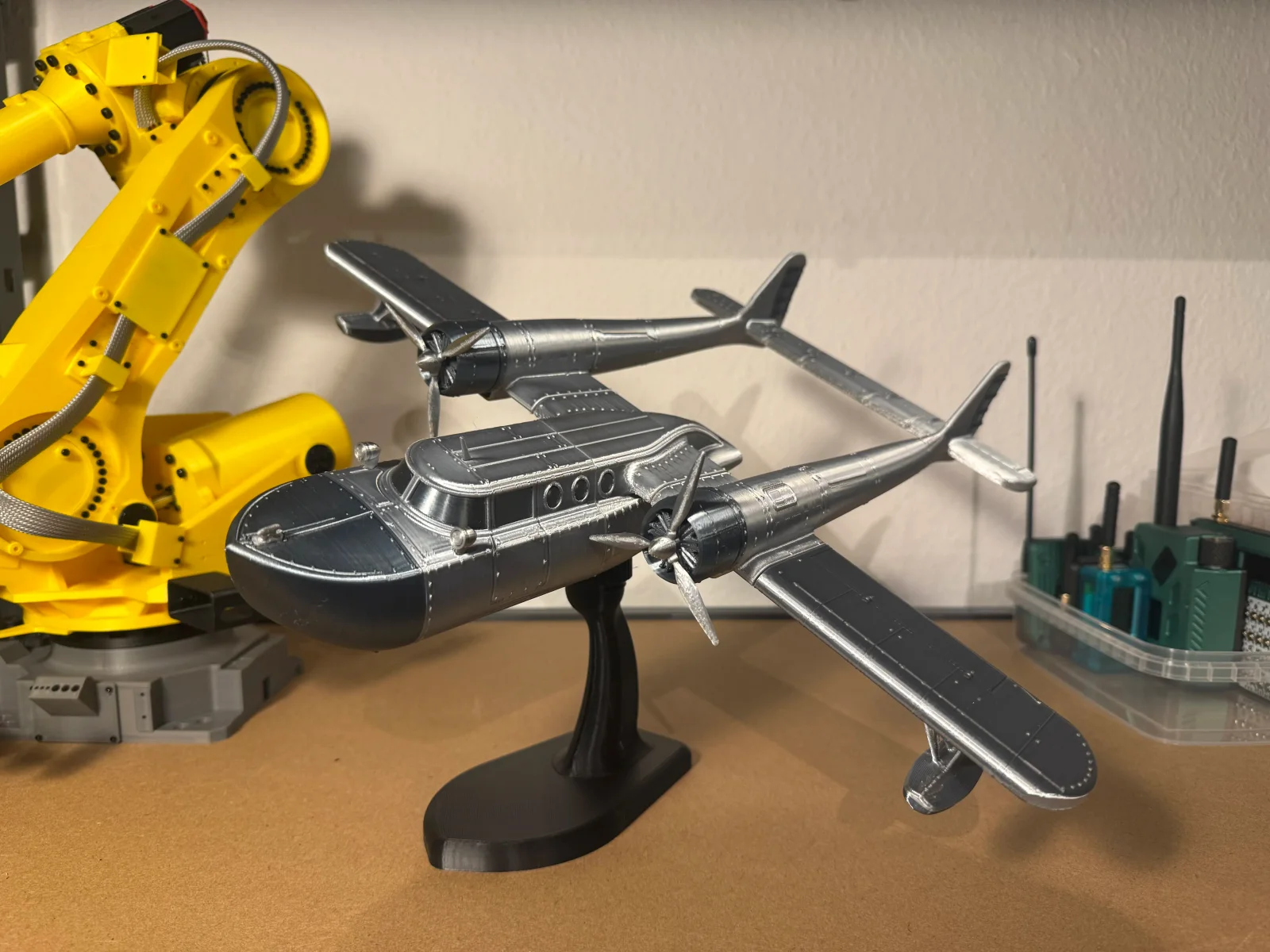
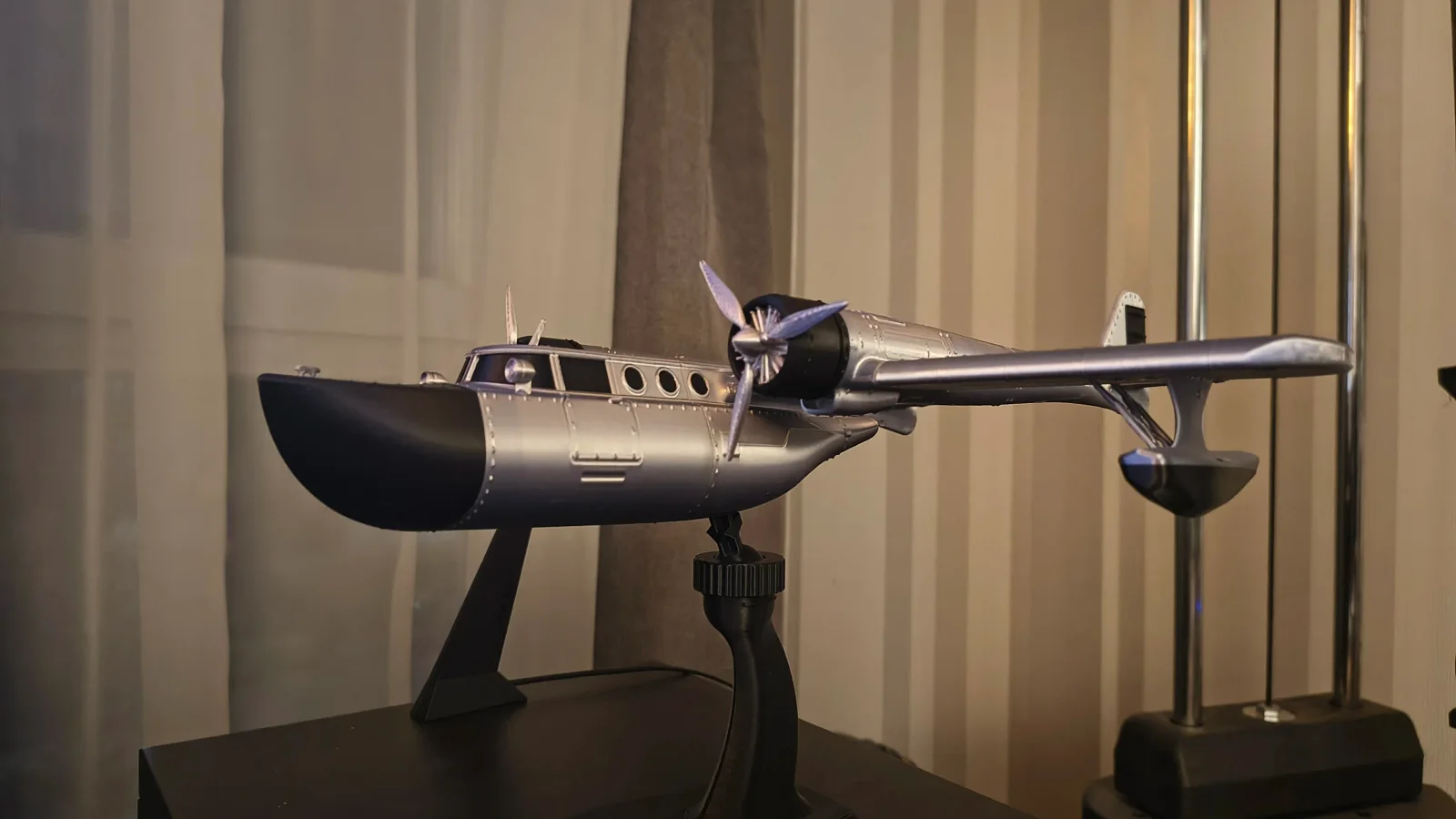
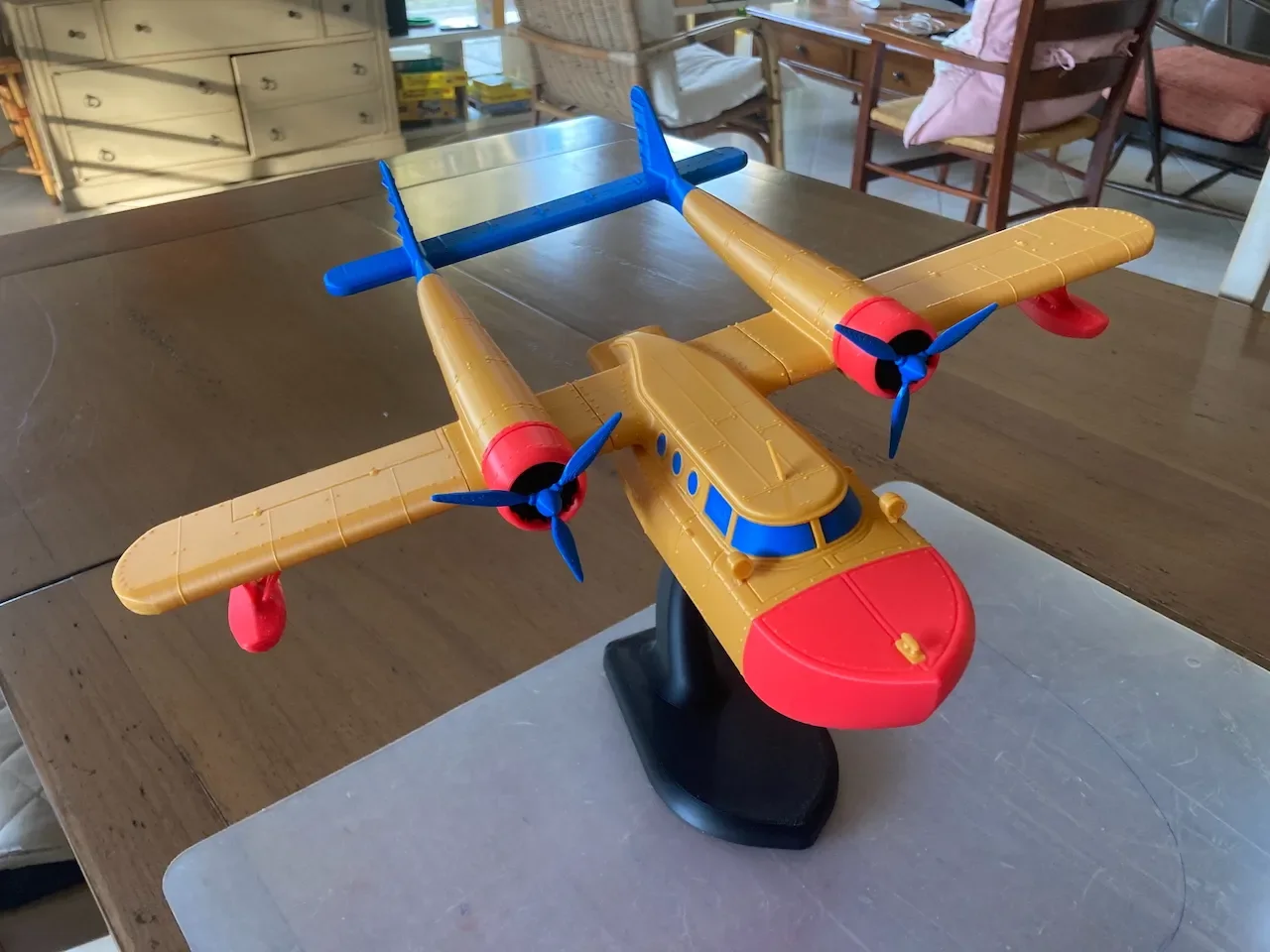
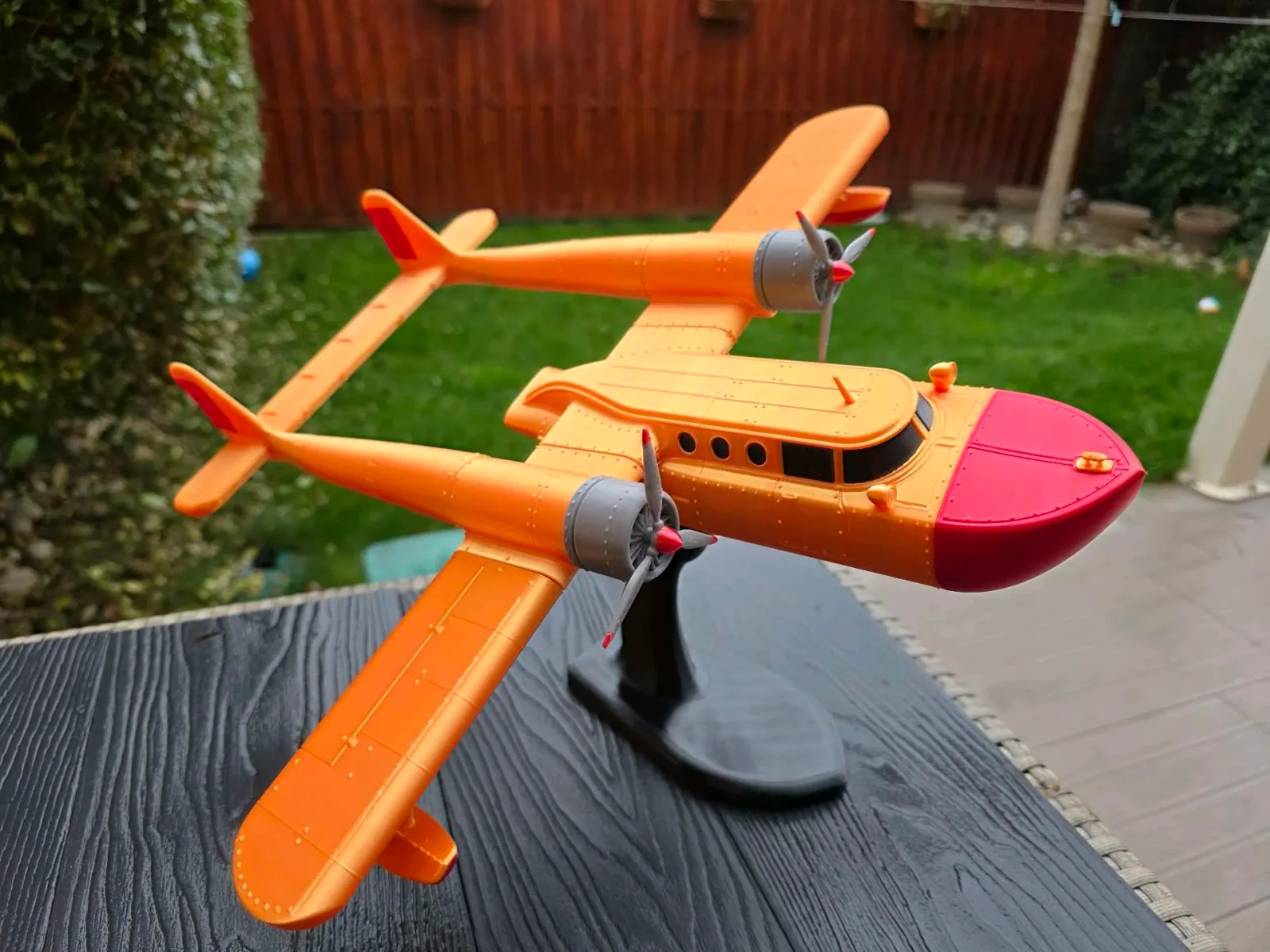
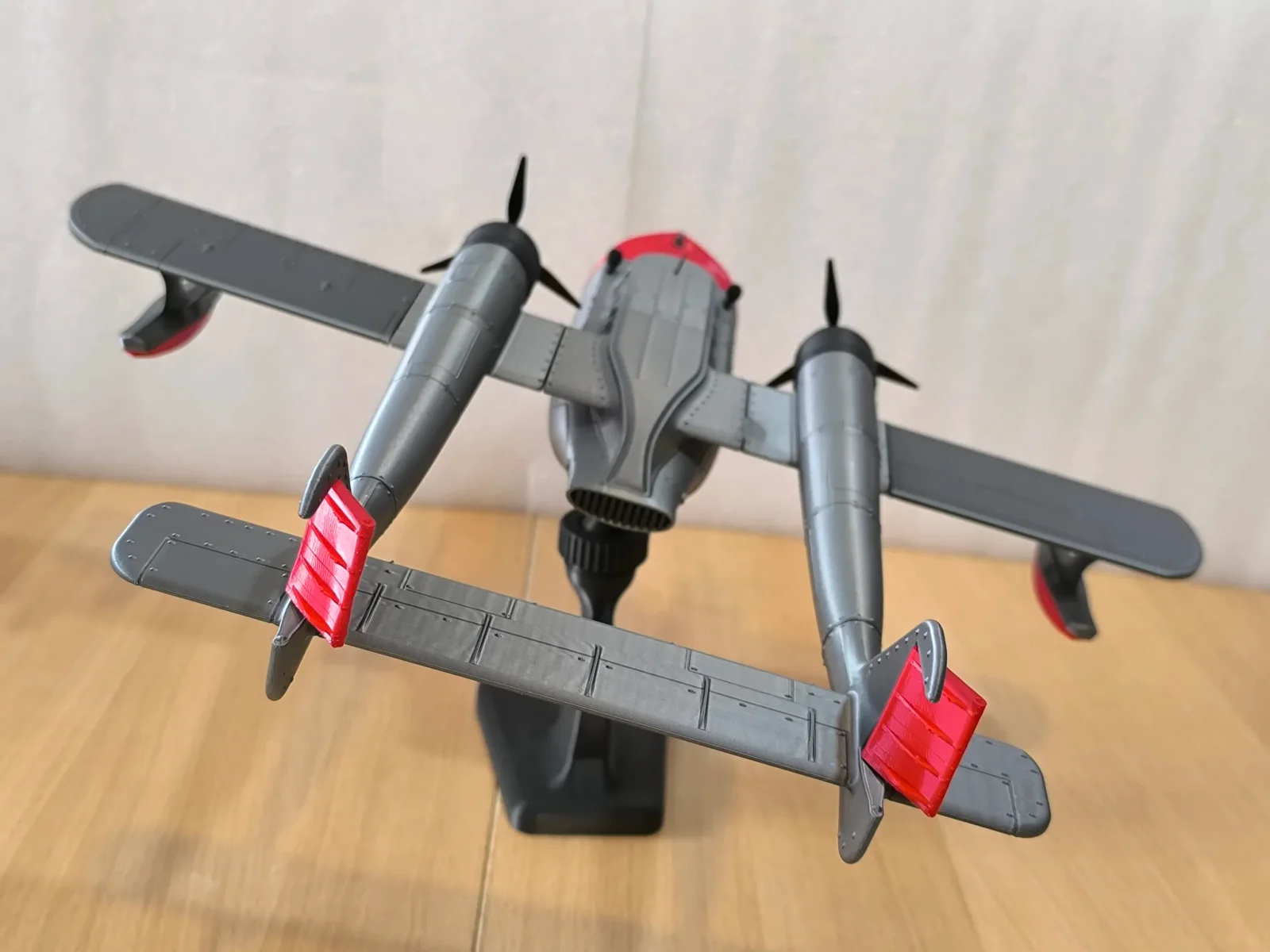
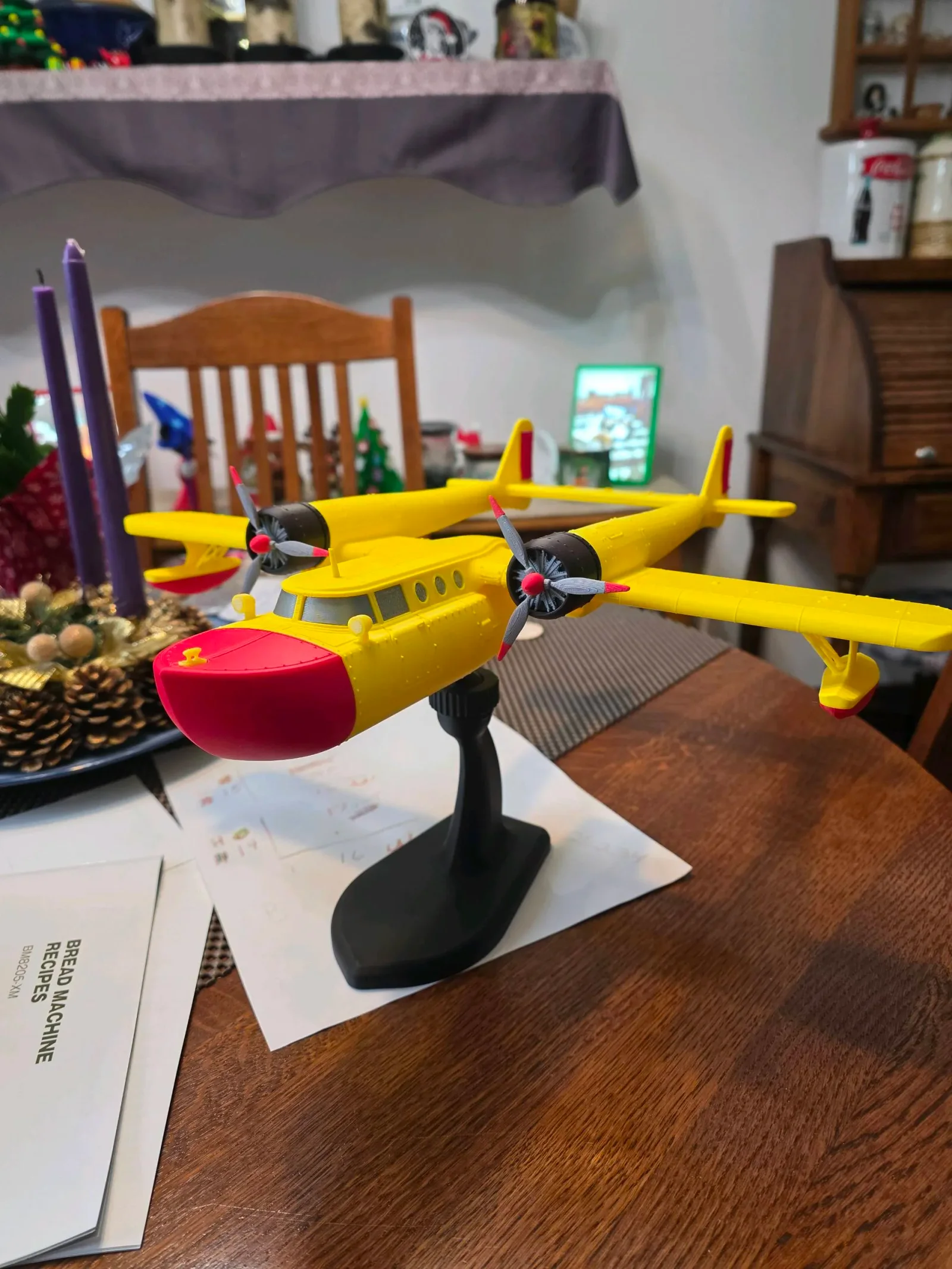
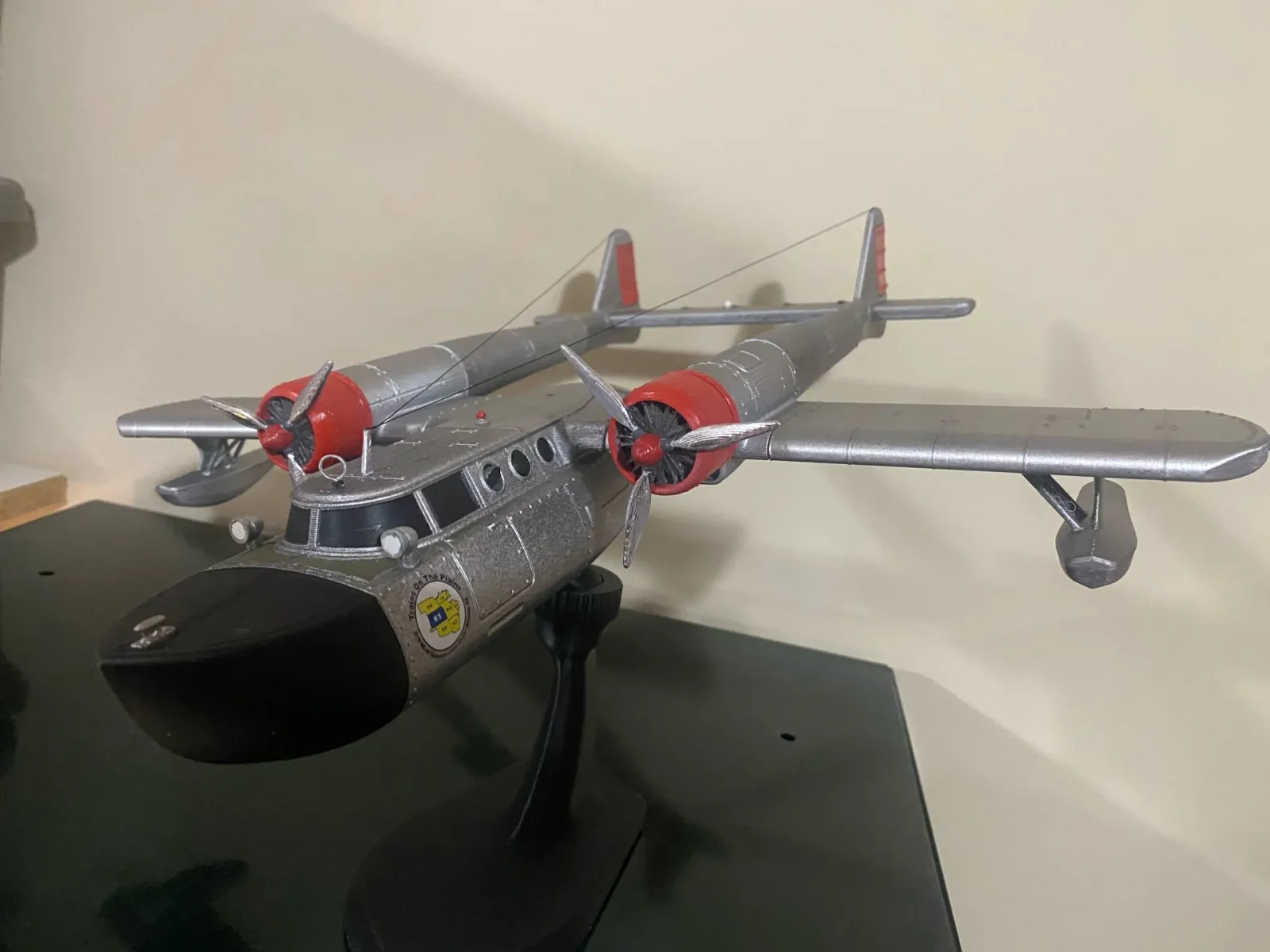
DIGITAL AIRCRAFT KIT
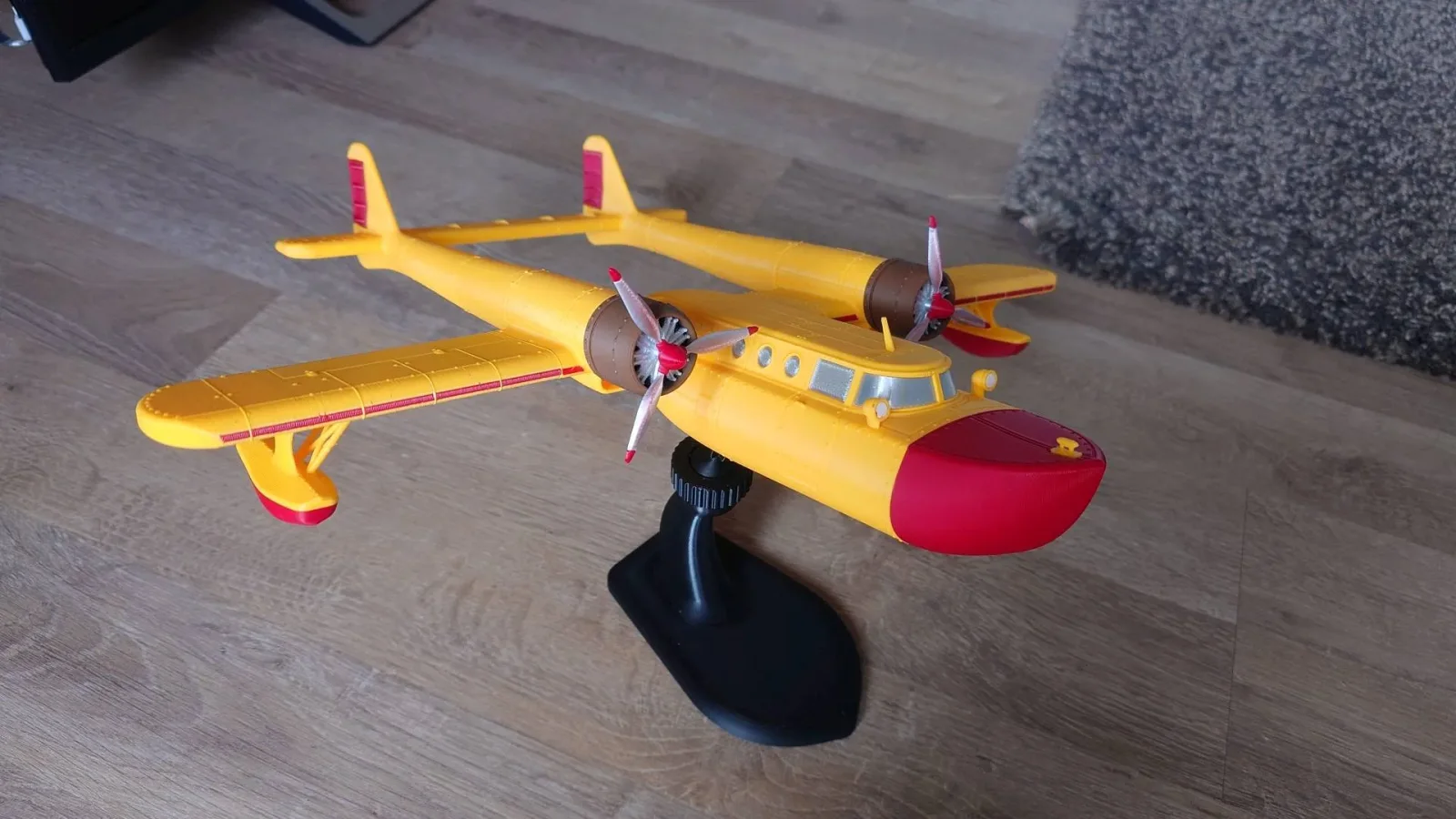
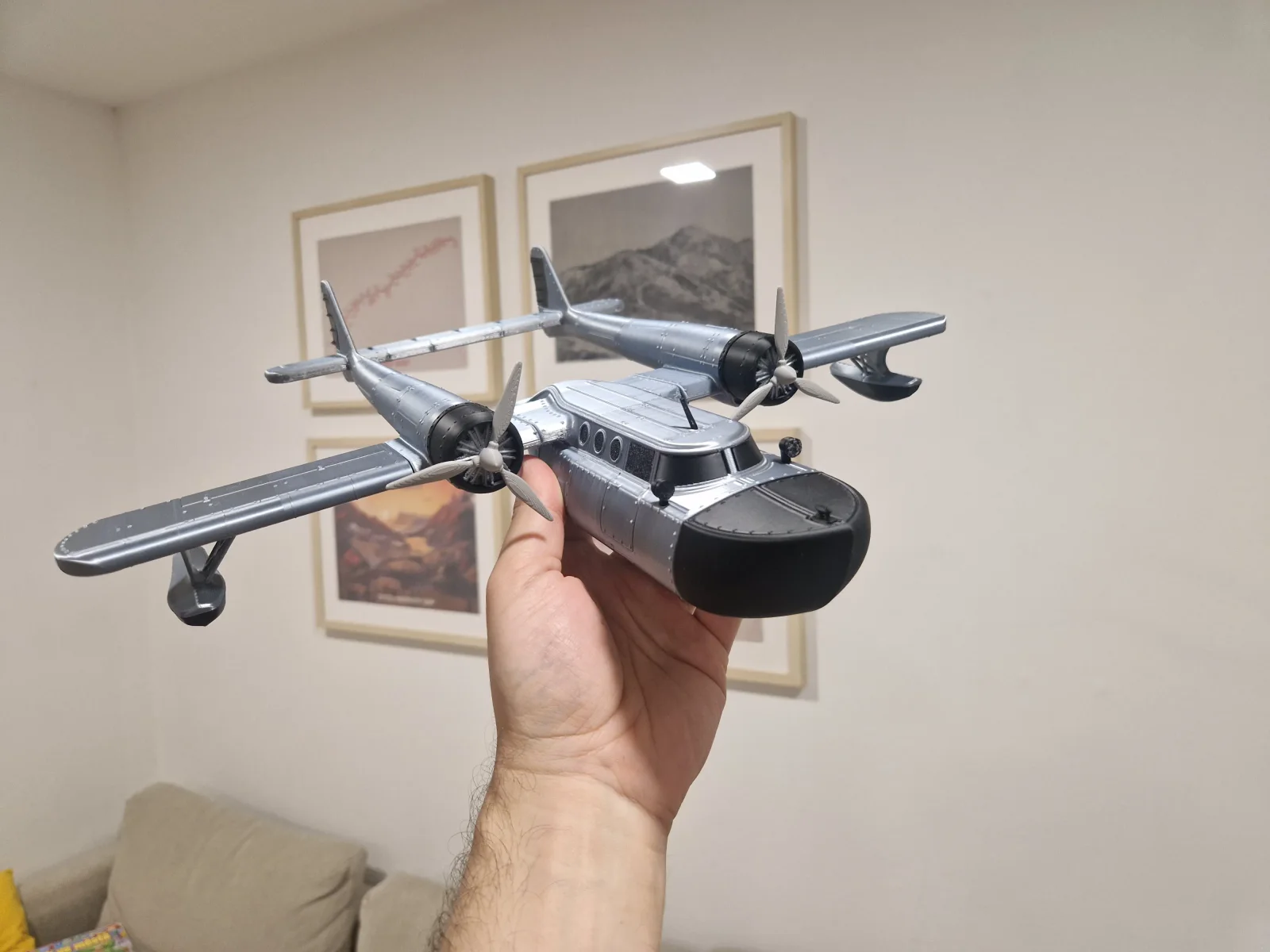
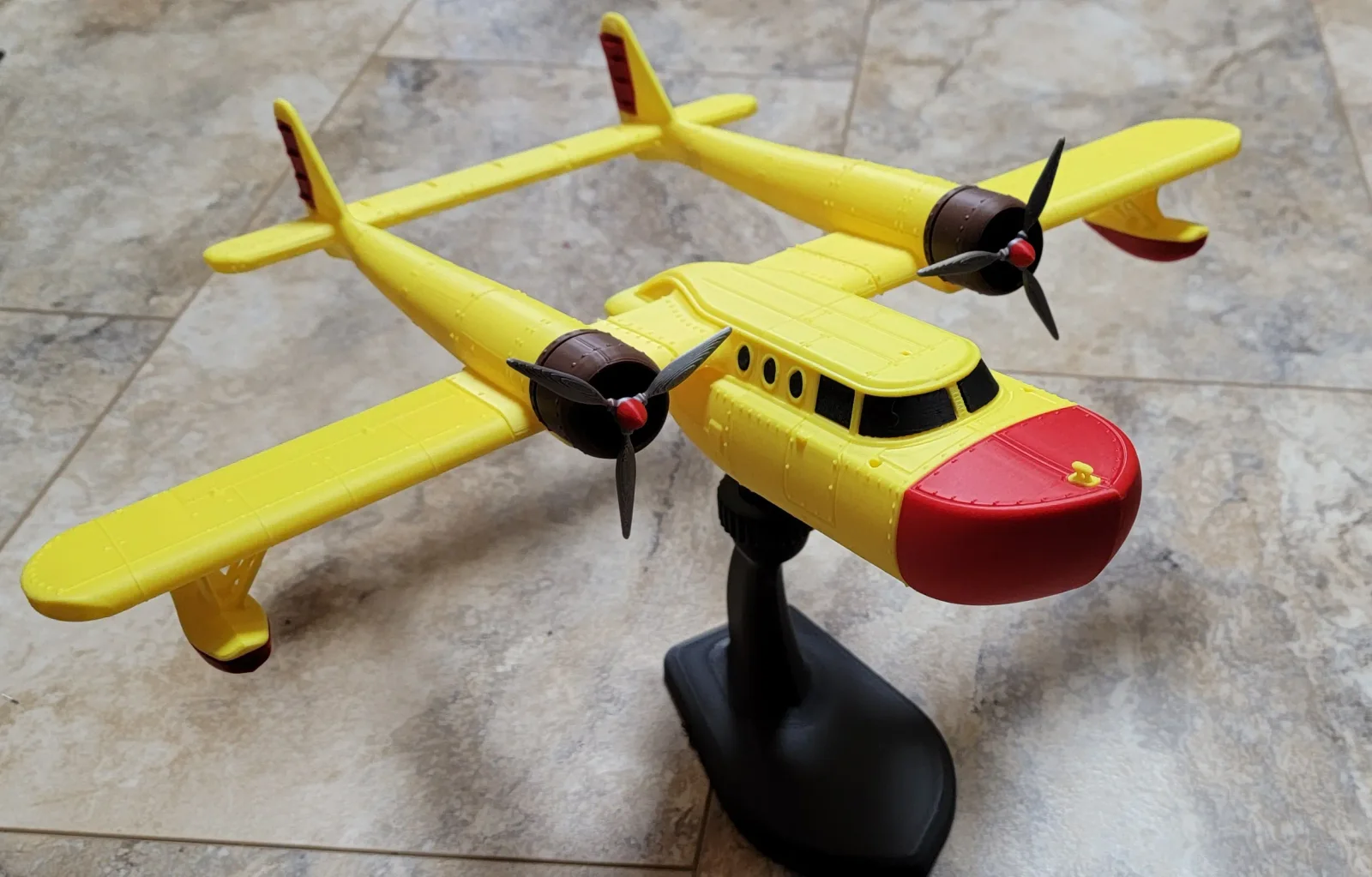
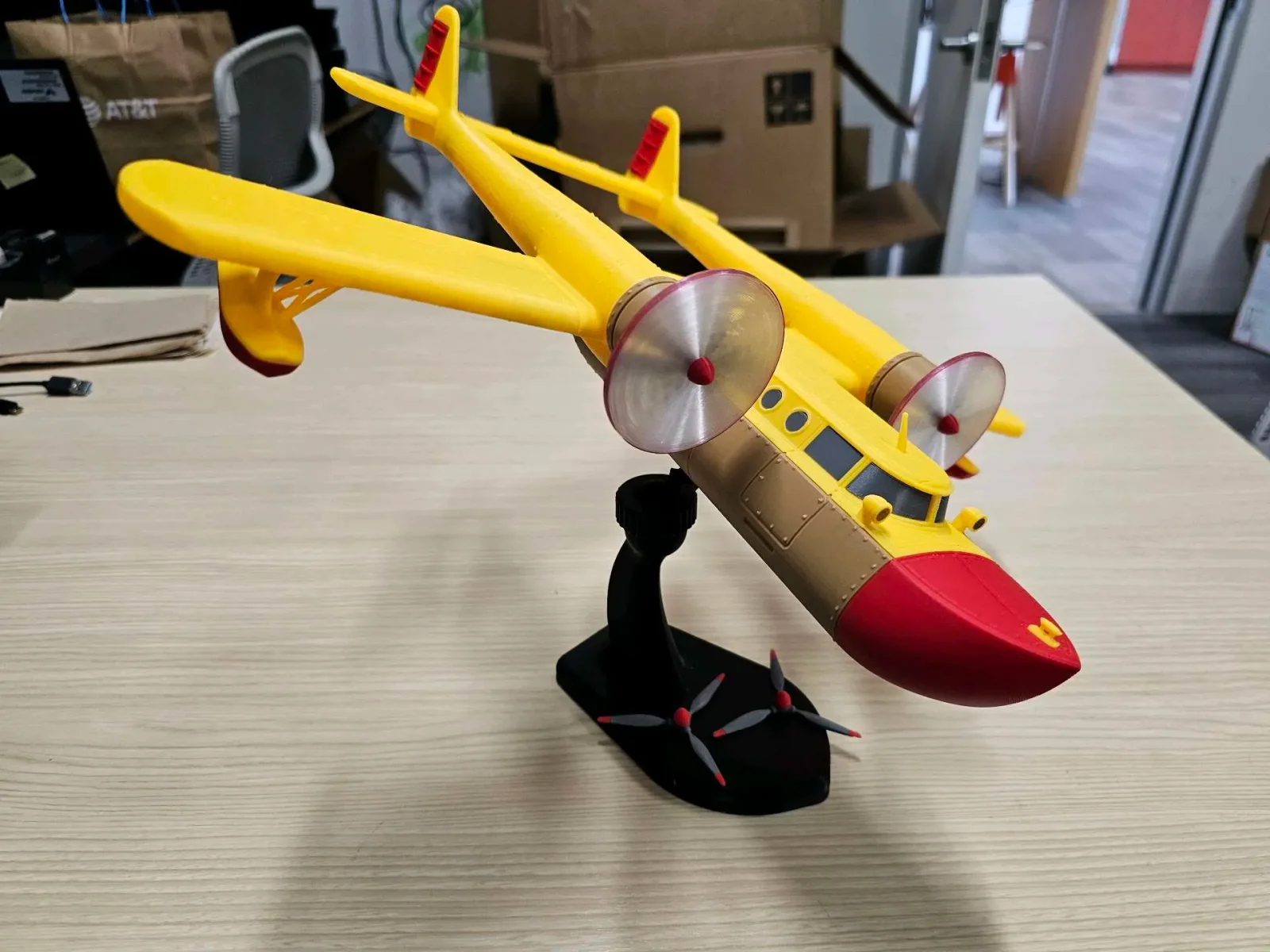
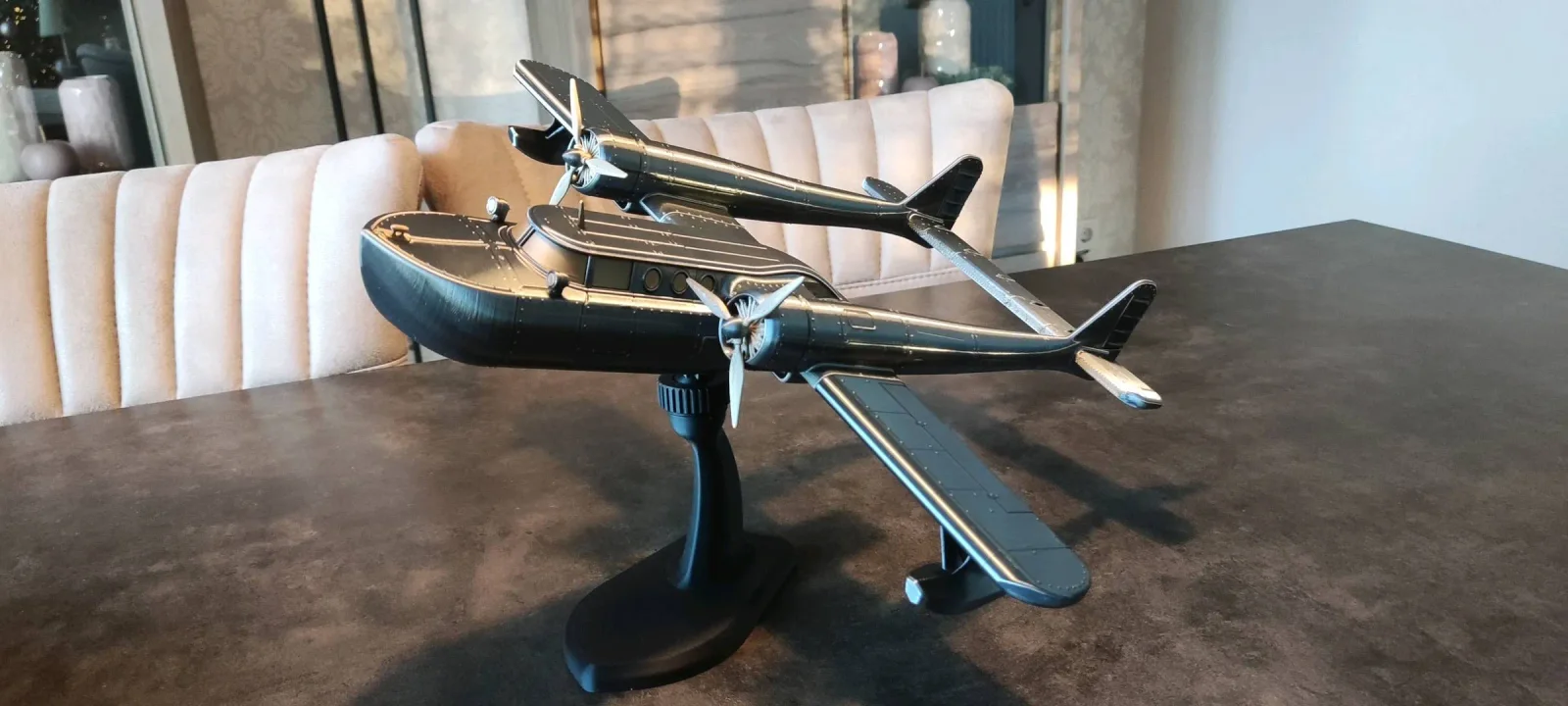
IRON GOOSE
Fictional aircraft
A model you print and assemble yourself.
FILES HOSTED BY MAKERWORLD
FROM YOUR WORKBENCH
BUILT BY YOU.
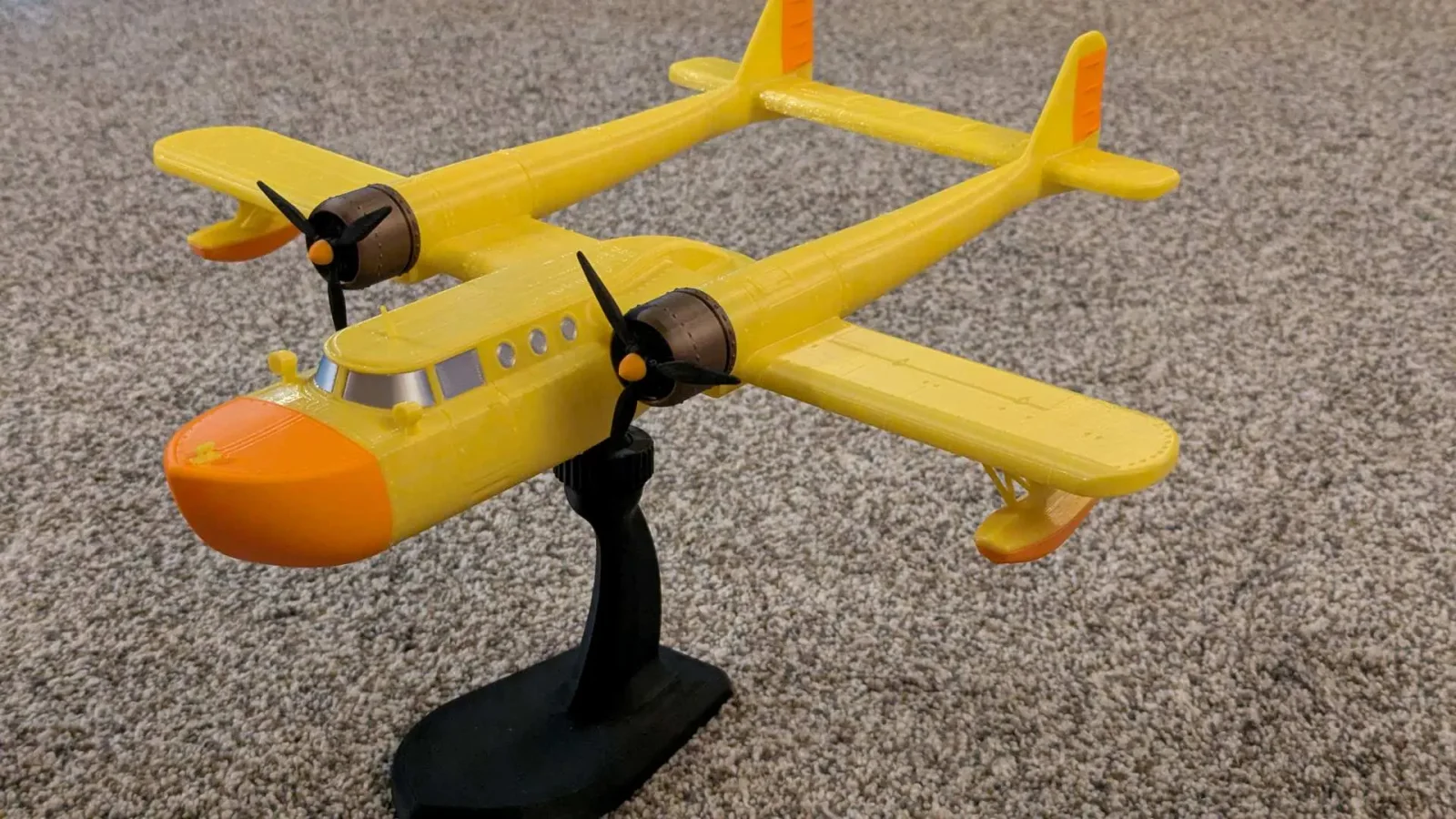
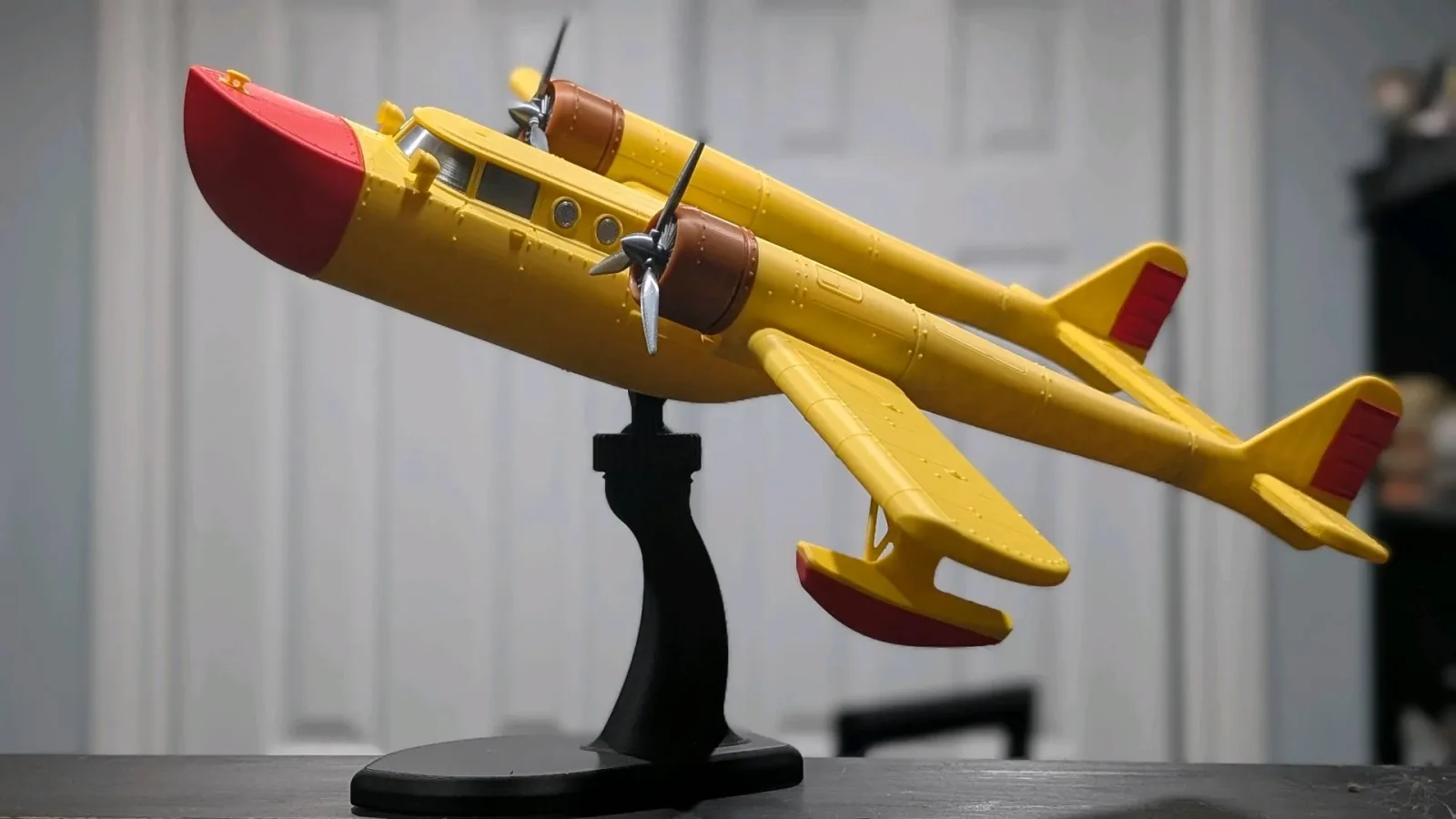
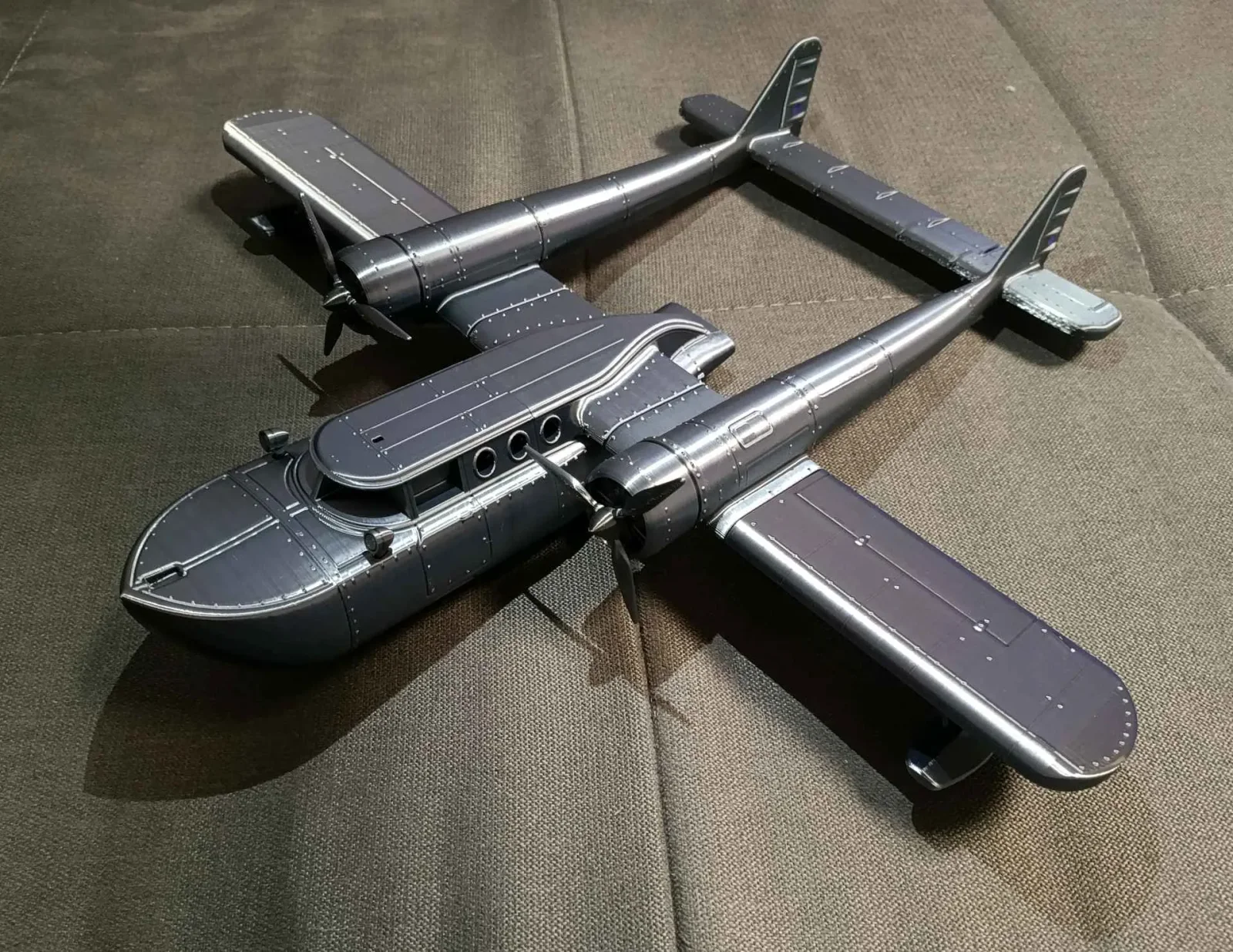
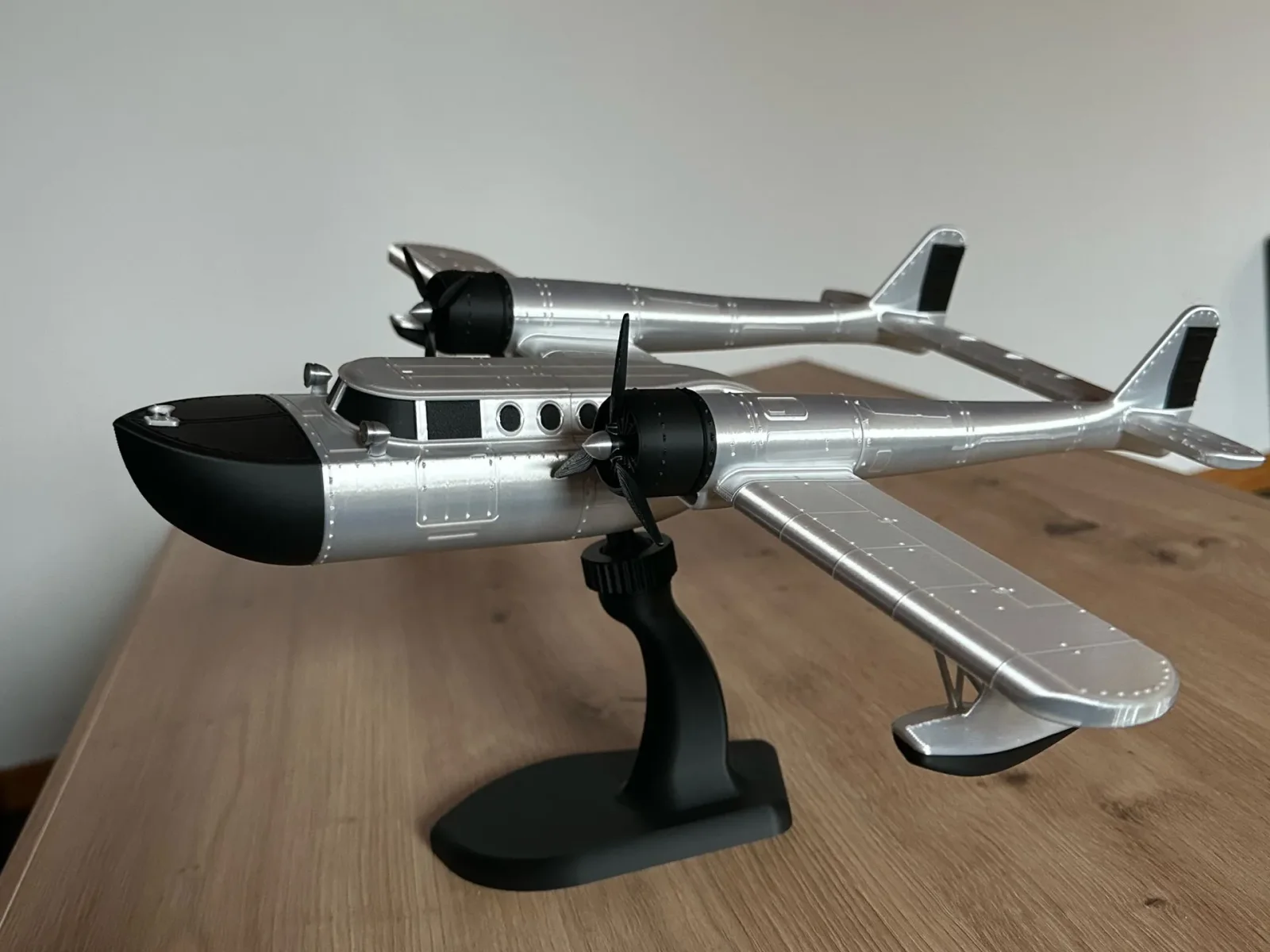
FROM CAMPAIGN TO FIRST PRINT
How to get your IRON GOOSE files
You back the project on its campaign page. After payment, you download the files from a separate model page. Here’s how to get from one to the other.
Open the campaign and back the project
Look for this green button and click

Log in or sign up
Log in to your MakerWorld account. If you’re new to MakerWorld, choose Sign Up and create an account.

Use this same account when you download your files later. Choose your reward tier
Select the reward tier you want and check what it includes before continuing.
Pay by card
Complete the card payment on MakerWorld and wait for confirmation that your payment was successful.
Open the model page and get printing
After successful payment, open the IRON GOOSE model page below. From there, download the STL files or start a print using the provided print profiles.
OPEN IRON GOOSE MODEL PAGE ↗Already on the campaign page? The model-page link is also in the first line of the campaign story.